


If you’re still copying data from Ahrefs into a spreadsheet, then jumping to Google Docs to write a brief, then switching to another tab to check analytics, you’re not working inefficiently because you’re bad at SEO. You’re working inefficiently because your tools aren’t talking to each other.
Over the past year, I’ve been building SEO workflows inside Claude for my own site and for clients, and it’s changed how my team operates. Not because Claude replaces strategy or data, but because it sits in the middle of everything and connects the dots faster than any manual process I’ve used in 15 years.
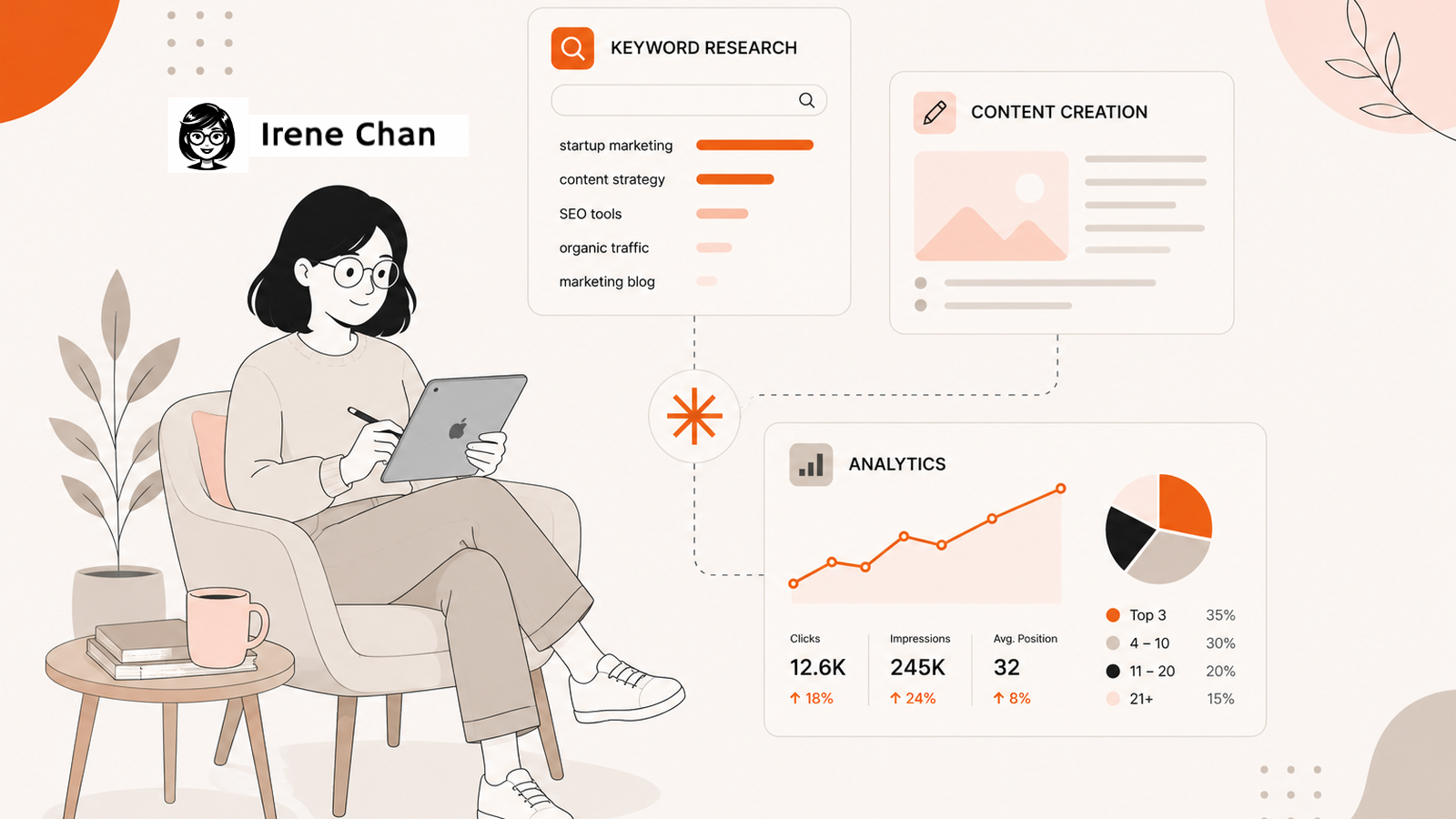
In this article, I’ll walk you through three core SEO workflows you can run directly in Claude: keyword research, content creation, and analytics. These aren’t theoretical prompts. They’re the actual workflows I use.
Why Use Claude for SEO?
Before getting into the workflows, it’s worth explaining why Claude specifically, and not just any AI tool. If you’re evaluating AI SEO tools for startups, Claude stands out for three reasons.
It Holds More Context Than Any Other AI Tool
Claude has a 200,000-token context window, which means you can feed it an entire GSC export, a competitor analysis, and your brand guidelines in a single conversation without losing context. It’s also precise with instructions. If you tell it to follow a specific heading structure or preserve your tone, it does. Other tools improvise. Claude follows through.
Claude Projects Turns It Into a Repeatable System

With Claude Projects, you can create a persistent workspace that remembers your client’s brand voice, past articles, and content guidelines across every session. No pasting the same instructions every time you start a new chat. For agencies and founders managing multiple clients, this is the difference between a one-off tool and an actual workflow.
MCPs Connect Claude Directly to Your SEO Tools
Model Context Protocol (MCP) integrations let Claude connect directly to tools like Ahrefs, Mixpanel, Google Drive, and more. Instead of exporting data and pasting it manually, you ask Claude a question and it pulls the answer from your actual live data. That’s the shift: from tab-switching to conversational workflows.
What Are the Most Common SEO Workflows You Can Do in Claude?
You can handle the core workflows, including keyword research, content creation, and analytics. It’s a closed-loop system that allows you to strategize, write content, and analyze data to keep improving your organic search results.
Keyword Research
Connect Ahrefs as an MCP and provide your keyword research criteria. It’s basically turning your workflow into a chat-based one. Instead of going to Ahrefs yourself and typing the keywords you’d like to explore and scrolling around, you explore them within the Claude chat interface.
You can ask questions like:
- Find opportunities: What are keywords related to “microlearning” tagged as low competition?
- Explore a topic: What are all the questions related to Claude MCPs?
- Audit existing content: Scan our site. Do we already have blog posts for the listed keywords to avoid cannibalization?
That last prompt is one of my favorites. It saves the step of manually cross-referencing your keyword list against your existing content, which is tedious and error-prone when you have hundreds of posts.
Pro tip: Connect your CMS as an MCP so it scans the backend, not just the live links. It is more accurate!
One thing to note: Claude can’t invent search volume or difficulty scores. It works with the data you give it. So connect Ahrefs, or at minimum export your keyword data as a CSV and upload it. The quality of Claude’s analysis depends on the quality of your inputs.
👉 Read more: GEO Audit vs SEO Audit: What’s the Difference?
Content Creation
This is my absolute favorite workflow in Claude. I use Claude Projects for recurring editing and writing workflows.
With Claude Projects, I can:
- Build briefs based on my own manual workflow and voice guidelines
- Write blog posts per client, with each project trained on their brand, audience, and SEO goals
- Edit a blog post before publishing, checking for structure, keyword placement, and readability
My favorite workflow is to create a Claude Project for each client. Inside that project, I load their brand voice, past articles, content guidelines, and target audience. Every time I need to write or edit something for that client, I open the project, and Claude already knows the context. No re-explaining or pasting guidelines every session.
This is the exact system I used when we increased SEO traffic by 156% in six months.
This is especially useful if you’re managing multiple clients with very different voices. A SaaS startup sounds different from a coaching brand. Having separate projects keeps the outputs clean and on-brand.
SEO Analytics
You can connect your data to Claude to easily access a summary without pulling a separate report. Currently, for one of our clients, we use Mixpanel, and it has an MCP. You have to check whether your analytics tool is available as an MCP, or add it as a custom MCP if you’re comfortable with the setup.
Just like the previous workflows, you ask questions based on how you would normally create your SEO report. For example:
- Conversion tracking: Which blog posts had the most signups last month?
- Traffic analysis: Which pages from Google Search Console had the highest impressions but lowest CTR in the last 90 days?
- Content performance: Which keywords moved from page two to page one this month?
While I use Claude to help me with analytics, I still go to Mixpanel and check the actual data. I want to make sure the reports are accurate. If you know your data like the back of your hand, you can sense when something’s off.
Although I like the convenience of MCPs, sometimes I find it slow. What I do instead is upload CSV reports from Google Search Console, Ahrefs, and Mixpanel for the specific month I’m reviewing. It’s less elegant but produces the same quality of analysis. The data is what matters, not how it arrives.
Something I haven’t tried yet, but many people are starting to use: sharing artifacts.
You can create a dashboard inside Claude and share the public artifact with your team or clients. It’s a quick way to present data without building a separate report.
Claude SEO Prompts to Get You Started
If you’re new to using Claude for SEO, these prompts will help you get going faster. Adjust them based on your niche and tools:
- Keyword clustering: “Here is a CSV of 200 keywords from Ahrefs. Group them by topic cluster and identify which ones we don’t have content for yet.”
- Content brief: “Create a blog post brief for the keyword [keyword]. Include target audience, search intent, suggested H2s, and internal link opportunities based on these existing URLs: [list].”
- Analytics summary: “Here is my Google Search Console data for May. Identify the top 10 pages by impressions that have a CTR below 2% and suggest title tag improvements.”
- Content gap: “Here are the top 5 ranking articles for [keyword]. What subtopics do they all cover that our draft is missing?”
The pattern is always the same: give Claude your data, provide context, and ask a specific question. Generic prompts get generic answers.
What Claude Can’t Do for Your SEO
Claude is a powerful collaborator, but it’s not a replacement for strategy or live data. A few honest limitations worth knowing:
- No real-time SERP data. Claude can’t tell you who’s ranking right now unless you connect it to a live tool like Ahrefs via MCP or feed it current data yourself.
- It can’t verify facts on its own. Always review AI-generated content before publishing, especially statistics and tool features that change frequently. This is especially true when deciding which old blog posts to update, where accuracy matters most.
- It’s not a one-click solution. The best results come from well-structured inputs. If your prompt is vague, the output will be too.
Think of Claude the way you’d think of a very smart new team member who hasn’t worked in your industry yet. The more context you give, the better the output. The less context, the more generic it gets.
I also always spend time manually reviewing the data sources. For sites with hundreds of pages that publish more than four blog posts per month, I check the data weekly. I want to make sure I’m very close to first-hand, raw data, so I can easily tell if something is off. Although Claude is great at synthesizing tons of data, it doesn’t understand nuances.
For example, it will suggest keywords based on the criteria, but I know for a fact that we already have published those, or it’s just not the kind of topics we publish.
Start Using Claude as Your SEO Workflow Partner
Claude won’t replace your SEO strategy. But it will replace a lot of the manual, repetitive work that slows you down: the tab-switching, the CSV wrangling, the re-explaining to writers who’ve never worked with your brand.
Start with one workflow. Connect Ahrefs and try the keyword clustering prompt. Or create a Claude Project for your best-performing client and see how much faster your next brief comes together.
The founders and SEO teams winning right now aren’t necessarily the ones with the biggest budgets. They’re the ones who’ve built smarter systems. Claude is one of the best tools I’ve found for doing exactly that.
Ready to build your own Claude SEO workflow? Book a call and let’s map it out together.
FAQs About Using Claude for SEO
Can Claude replace my SEO tools like Ahrefs or Semrush?
No. Claude works best when connected to or fed data from your SEO tools. It’s the reasoning and workflow layer, not the data source. Ahrefs and Semrush still provide the keyword volumes, rankings, and backlink data Claude needs to do meaningful analysis.
What is a Claude Project, and why does it matter for SEO?
A Claude Project is a persistent workspace where you store brand guidelines, past articles, and client context that carries over across sessions. No re-explaining every time you start a new chat. Every brief and draft stays consistent automatically.
What is a Claude SEO prompt?
A Claude SEO prompt is a specific instruction you give Claude to perform an SEO task, like clustering keywords, writing a content brief, or analyzing GSC data. The more specific and data-rich your prompt, the more actionable the output.
Is Claude good for content creation?
Yes, especially for structured, long-form content. Claude’s large context window means it can hold your brand guidelines, existing articles, and target keywords in one session without losing track. The key is to pair it with your own ideas and editorial judgment, not to use it as a blank-prompt content machine.
What is an MCP, and do I need one?
MCP (Model Context Protocol) connects Claude directly to your SEO tools like Ahrefs, Google Search Console, and Mixpanel. Instead of exporting data manually, Claude pulls it in real time. You don’t need one to start, but it makes recurring workflows significantly faster.


