


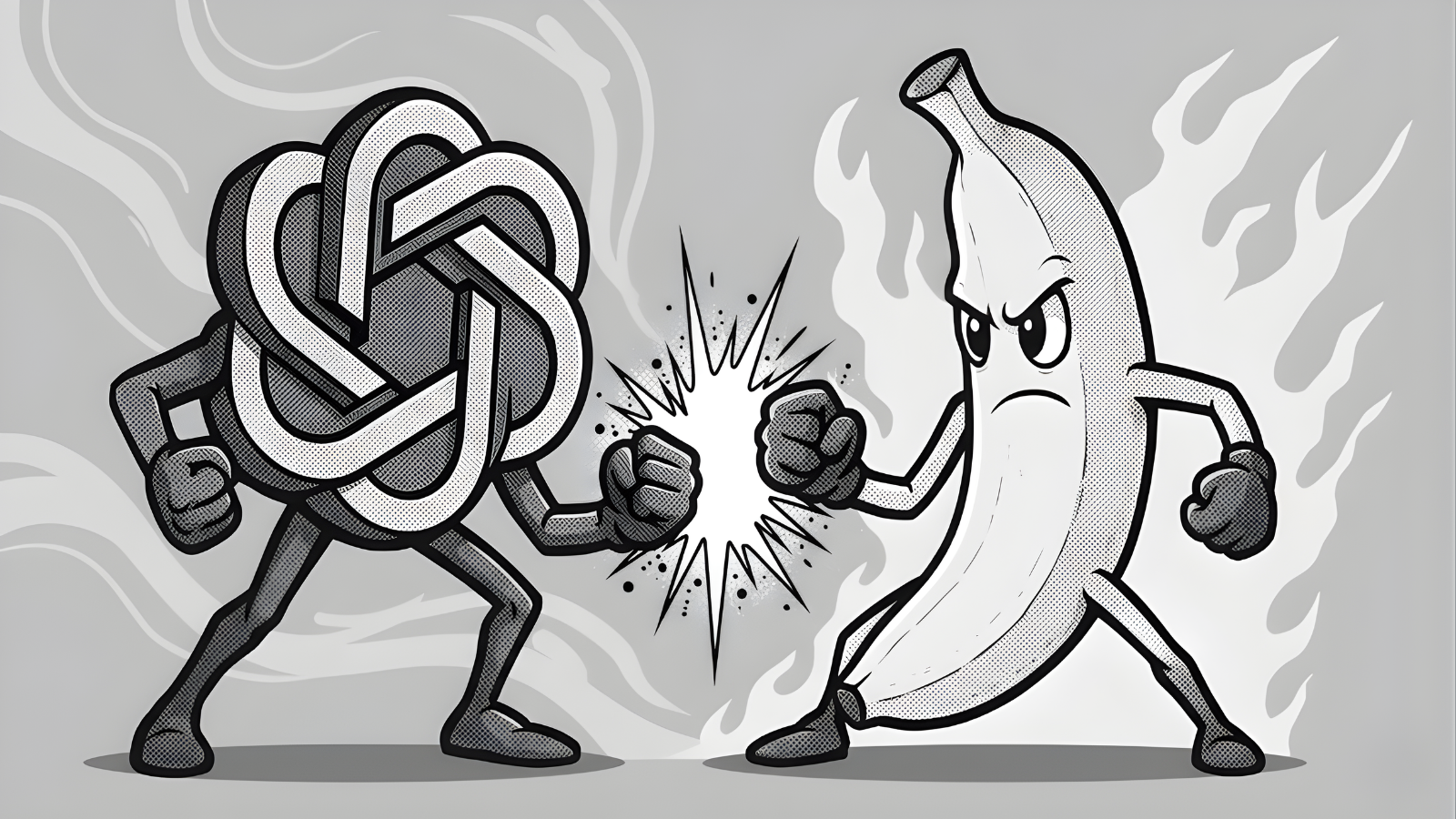
As someone who creates visuals almost daily, whether for blogs, thumbnails, or brand stories, I rely on AI tools to cut production time without losing quality.
When I first tried Nano Banana, I was amazed at how quickly it generated clean, usable images. It became my go-to for fast thumbnails, poster concepts, and social content when deadlines were tight.
On the other hand, ChatGPT’s image generator proved invaluable for projects that demanded precision and continuity, especially when designing multi-scene graphics or campaign visuals. It could understand context better, match prior styles, and produce near-photorealistic results when needed.
In short, Nano Banana vs ChatGPT image tools both have strong points: Nano Banana feels like your “speed artist,” while ChatGPT is your “art director.”
What is Nano Banana?

Nano Banana is the image-generation tool built into Google Gemini. It is available to both free and Gemini Advanced (Pro) users, with Pro users also getting an additional 2TB of storage through Google One.
Nano Banana works alongside Gemini’s Video 3 (Veo 3), Google’s new video-generation model praised for its cinematic quality and its ability to understand voice and tone in prompts.
Features
- Image generation powered by Gemini
- Integration with Veo 3 for video creation
- Fast processing speed on both desktop and mobile
- Works with text-to-image and photo editing prompts
- Auto-pose and outfit replacement using selfies
Pros
- Very fast, averaging 13 seconds to generate an image in my tests
- Great for thumbnails, quick posters, and social posts
- Allows photo posing and editing, useful for profile shots or mockups
- Free version performs well for most users
Cons
- Less accurate with complex artistic instructions
- Struggles with style consistency in multi-element scenes
- Smaller community and prompt-sharing base compared to ChatGPT
Pricing
- Free for basic users
- $19.99/month (Gemini Advanced) with 2TB Google One storage and Veo 3 video access
Best For
- Creators who value speed and want simple, beautiful results quickly
- Anyone who needs on-the-go image edits, such as changing clothes or poses in photos
ChatGPT for Images

ChatGPT’s image generator, powered by DALL·E 3, produces high-quality, instruction-sensitive artwork directly inside ChatGPT. Users can describe scenes in detail, and ChatGPT interprets them accurately, often outperforming competitors on complex prompts.
Features
- Integrated into ChatGPT Plus ($20/month)
- Detailed prompt interpretation and error correction
- Inpainting for editing specific areas of an image
- Multi-platform use on desktop and mobile
- Access to Custom GPTs for personalized art styles
Pros
- Highly detailed and accurate for complex prompts
- Consistent art style across multiple images
- Excellent for photo manipulation and storytelling visuals
- Custom GPTs allow advanced workflows for artists and marketers
Cons
- Slower processing, averaging 44–64 seconds in my tests
- Requires more powerful devices for smooth operation
- Less intuitive for quick edits compared to Nano Banana
Pricing
- $20/month (ChatGPT Plus)
Best For
- Professionals who need accuracy and style control
- Artists, designers, and marketers creating complex storyboards or AI art series
Nano Banana vs ChatGPT Image Comparison

Speed
In my direct test using the prompt “an apple dripping with gold,” Nano Banana generated an image in 13 seconds, while ChatGPT took 44 seconds on Windows and 64 seconds on iPhone 15 Pro Max.
Winner: Nano Banana

Realism
ChatGPT produces more lifelike lighting and depth, especially for human portraits and natural scenes.
Winner: Nano Banana

Accuracy
When matching specific artistic prompts or combining multiple elements, ChatGPT produces sharper and more accurate results.
Winner: ChatGPT
Creative Style
Nano Banana’s output feels more vivid and stylized, while ChatGPT leans toward realism and storytelling coherence.
Tie, depending on your needs.
When to Use Nano Banana
- When you need fast results for thumbnails, mockups, or quick creative drafts
- For personal photos or profile edits, such as changing poses or backgrounds
- When working from a mobile device where speed is a priority
When to Use ChatGPT for Images
- When accuracy, direction, and detail matter
- For campaign visuals, illustrations, or story-driven content
- When building a consistent art style across multiple visuals
Conclusion
After weeks of testing, my conclusion on Nano Banana vs ChatGPT image tools is simple: use both.
If you want speed and convenience, Nano Banana delivers better turnaround. But if you value control and realism, ChatGPT’s image generation remains unmatched.
In my current workflow, I use Nano Banana for quick visual tasks and Gemini’s photo tools for fast edits. When it comes to high-quality storytelling visuals or detailed creative concepts, ChatGPT still holds the crown.
Want to work with me? Learn more about how I can help.
FAQs
Is Nano Banana better than ChatGPT?
Not necessarily. Nano Banana is faster, while ChatGPT offers greater precision. It depends on whether you prioritize speed or detail.
Do I still need a designer if I use Nano Banana or ChatGPT?
Yes. These tools assist designers, but creativity, brand tone, and aesthetic judgment still come from a human touch.
What types of content can I create with Nano Banana?
Thumbnails, product mockups, profile photos, social posts, and quick concept art.
How much does Nano Banana cost?
Nano Banana is available with Gemini, either for free or at $19.99/month for the Pro plan.


