


If you’ve been doing SEO for a while, you know the drill: run a crawl, export a CSV, stare at 3,000 rows of data, and try to figure out where to start. It’s time-consuming. For early-stage startup founders wearing five hats at once, it’s often the task that gets pushed to next week.
But not running an audit can be dangerous. You won’t know if something is wrong, which could cost you a lot of traffic.
Luckily, Claude can change that. Whether you’re using the chat version with web search, connecting it to tools via MCPs, setting up a Claude Project, or going full Claude Code, there’s a version of this workflow that fits your current setup and skill level.
In this guide, I’ll break down:
- How to use Claude to do an SEO audit
- What it can access
- Which approach makes sense, depending on how technical you are
One important note before using Claude: you need to understand technical and on-page SEO to interpret the audit results. You can run an audit yourself, but make sure to consult an SEO specialist before making any changes to your site.
What Does an SEO Audit Include?
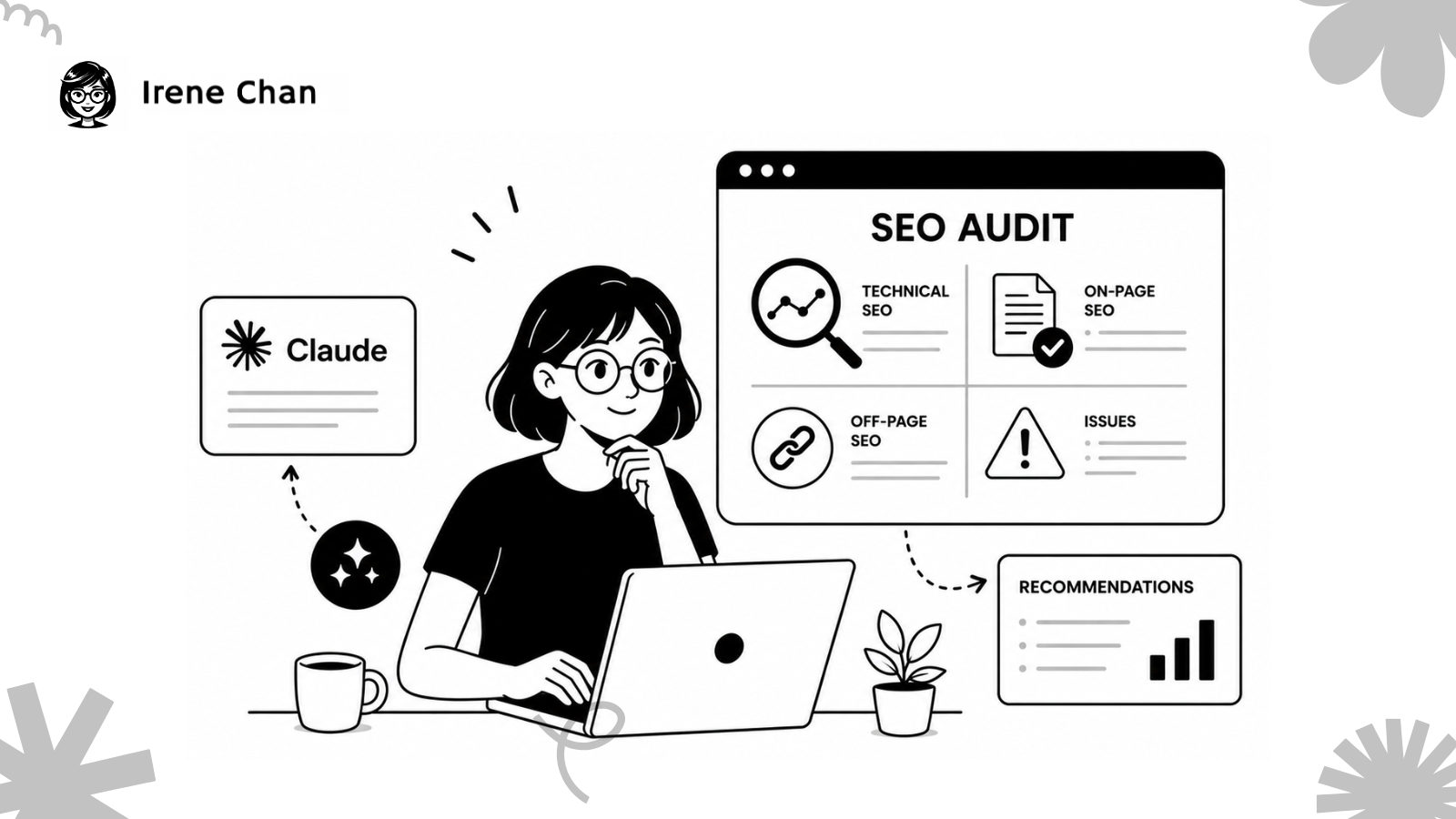
Before we dive into Claude, let’s align on what we’re actually auditing. A solid SEO audit covers three areas:
- Technical SEO: Can search engines crawl and index your site? This includes checking for broken links, redirect chains, page speed issues, missing canonical tags, and proper schema markup.
- On-Page SEO: Are your pages optimized for the right keywords? This covers title tags, meta descriptions, H1s, heading structure, content quality, and internal linking.
- Content and Authority: Is your content topically relevant and authoritative enough to rank? This includes content gaps, keyword cannibalization, and whether your pages are targeting the right search intent.
If you want to go beyond traditional SEO and check how your site performs in AI-generated answers, that’s a GEO audit, which is a separate but complementary process worth doing alongside your SEO audit.
What Can Claude Access?
This is the most important thing to understand before you start, because Claude’s capabilities have expanded significantly. A lot of founders are still operating under the old assumption that Claude is just a text box.
But at the same time, you want to be accurate as to which things it can access. For example, it won’t know the details of your Google Search Console report unless you upload the data or connect it via MCP.
Here’s what Claude can access:
- Claude Chat with web search enabled can visit URLs directly. Give it a link to any page on your site, and it will fetch the content, read the HTML, and analyze it in real time. No need to copy-paste. This feature is available to both free and paid users, though free accounts have daily usage limits.
- Claude in Chrome is a browser extension where Claude can actually see your screen, navigate between pages, click elements, and extract structured data, operating much like a human browsing your site.
- Claude with MCPs connects to external tools like Google Search Console, Ahrefs, and other data sources, pulling live data directly into the conversation.
- Claude Projects gives you a persistent workspace where you can upload documents, set instructions, and maintain context across multiple audit sessions.
- Claude Code is the most powerful option for technical audits, running scripts, and crawling your site programmatically from the command line.
To understand whether AI crawlers are accessing your site at all, that’s a separate check worth doing before diving into optimization.
How to Use Claude to Do an SEO Audit

There are different ways to approach an audit using Claude. Let’s start with the simplest one and end with a more advanced option.
Claude Chat
This is your starting point, and it’s more powerful than most people realize. With web search enabled in your settings, Claude can visit any URL you provide and analyze the page directly.
For on-page audits:
Paste a URL and use a prompt like:
“Visit this page and audit the on-page SEO. Check the title tag, meta description, H1, heading structure, keyword usage, internal links, and overall content quality. Flag any issues and prioritize what to fix first.”
Claude will fetch the page, read its content, and give you a specific, actionable breakdown. No export needed.
For GSC data analysis:
Claude Chat is also excellent for interpreting data you paste in. Export your last 90 days from Google Search Console and ask Claude to:
- Identify pages ranking in positions 4-10 with low CTR (your quick wins)
- Flag pages with high impressions but low clicks (title or meta description problem)
- Spot keyword cannibalization, where two pages are competing for the same query
- Prioritize the top 5 issues to address first
This is one of the fastest ways to get actionable SEO insights without paying for an expensive audit.
What it’s good for: On-page audits, GSC analysis, content reviews, and quick wins. Zero technical setup required.
The limitation: For large sites, auditing page by page is still manual. That’s where the options below come in.
Claude Chat with MCPs
Model Context Protocol (MCPs) are integrations that let Claude connect to external tools and pull live data directly inside the chat interface.
For SEO audits, the most useful MCPs are Google Search Console, Ahrefs, and Screaming Frog. With these connected, you can ask Claude to pull data, cross-reference it, and give you a prioritized audit without a single manual export.
A practical example: connect GSC via MCP, then ask Claude:
“Pull my performance data for the last 30 days. Identify my top 10 pages by impressions, flag any with CTR under 2%, and tell me what’s likely causing the drop.”
Claude will pull the data, analyze it, and give you specific recommendations in one go.
This setup also makes it easier to track traffic from AI tools and monitor brand mentions as part of the same workflow, so you’re looking at the full picture of where your traffic is coming from, not just Google.
What it’s good for: Real-time data analysis, multi-tool workflows, and ongoing monitoring without manual exports.
The limitation: Setting up MCPs requires some configuration. It’s manageable but not instant.
Claude Projects
Claude Projects is a persistent workspace within Claude. You upload documents, set standing instructions, and every conversation in that project has full context, so you don’t have to re-explain your site each time.
For ongoing SEO work, this is the most practical setup. Create a project for your site and upload: your sitemap, target keyword list, past audit reports, and brand guidelines. Set instructions like:
“You are my SEO auditor. Always prioritize quick wins. Flag anything that could affect keyword cannibalization or search intent alignment.”
Every time you run an audit or review new content, Claude already knows your site, your goals, and your history.
What it’s good for: Ongoing SEO management, team collaboration, maintaining audit context across sessions.
The limitation: Claude Projects doesn’t pull live data on its own. Combine it with web search or MCPs for the most complete workflow.
Claude Code
Claude Code is Anthropic’s command-line tool. It runs inside your terminal, reads your file system, installs dependencies, and executes tasks end to end. For SEO, this means you can ask Claude Code to build and run a custom crawler that checks every page on your site for technical issues and outputs a structured report.
A basic audit with Claude Code can check for: missing title tags, duplicate meta descriptions, broken internal links, missing alt text, pages without H1s, and redirect chains. It works through your entire site, flags every issue, and delivers a prioritized report.
I use this complete SEO workflow built by my friend Nora He. You don’t have to start from scratch. You just need to learn how to start using Claude Code, and then you can run her SEO skills.

What it’s good for: Large-scale technical audits, repeatable automated workflows, custom reporting. Audits that used to take hours get done in minutes.
The limitation: You need to be comfortable with a command-line interface. It’s not for everyone, but if you have a developer on your team, this is where Claude becomes a serious force multiplier.
Conclusion
You don’t need an agency or a full suite of expensive tools to run a proper SEO audit. Claude gives you a flexible, tiered approach. Start with Claude Chat for quick wins, add MCPs for live data, Projects for ongoing work, and Code when you’re ready to automate.
The key is to start. Give Claude a URL, ask the right questions, and let it surface what you’ve been missing. An imperfect audit you actually do will always beat the perfect one sitting in your to-do list.
FAQs: About Using Claude for SEO Audits
Is Claude free to use for SEO audits?
Yes. Claude’s free tier includes web search and URL fetching, so you can audit pages directly without a paid plan. Free accounts have daily usage limits, so for larger audits, Claude Pro at $20/month gives you significantly more capacity. Claude Code requires a separate subscription.
Do I need to know how to code to use Claude for SEO?
No. Claude Chat and Claude Projects require zero coding knowledge. Claude Code involves a command-line interface, but even non-developers can follow Anthropic’s setup documentation to get it running for basic audits.
How is Claude different from other AI tools for SEO?
Claude’s main advantage is its large context window, which means it can process significantly more data in a single conversation than most AI tools. You can paste an entire GSC export, multiple pages of content, and competitor analysis all at once without losing context mid-analysis.
Can Claude replace tools like Ahrefs or Screaming Frog?
Not entirely. Claude is an analysis and interpretation layer. Tools like Ahrefs and Screaming Frog remain valuable for large-scale data collection, especially for large sites. What Claude does is help you make sense of that data faster and more clearly than digging through it manually.
What’s the difference between Claude Chat and Claude Code for SEO?
Claude Chat is conversational: give it a URL or paste data, ask questions, and get analysis. Claude Code is agentic: it executes tasks, runs scripts, and produces reports automatically. Claude Chat is the right starting point for most founders. Claude Code is for when you want to automate and scale the process.


